


TL;DR
The compute consolidation I flagged back in Issue 21 isn’t a forecast anymore; it’s sitting in your parts bin.
DRAM contract prices jumped roughly 90% in a single quarter, consumer SSDs climbed 147%, and a 16GB Raspberry Pi 5 that launched at $120 now runs $305.
The hyperscalers didn’t just rent you the cloud; they bought up the fab capacity that makes the parts you’d use to avoid it.
We pulled an older episode of the podcast to highlight this week > Episode 023 with Eric Siron from the vault: building a real lab without selling a kidney, more relevant now than the day we recorded it.
This week’s moves: pool mismatched disks with SnapRAID, and actually measure how much write life your NVMe has left.
From the Console
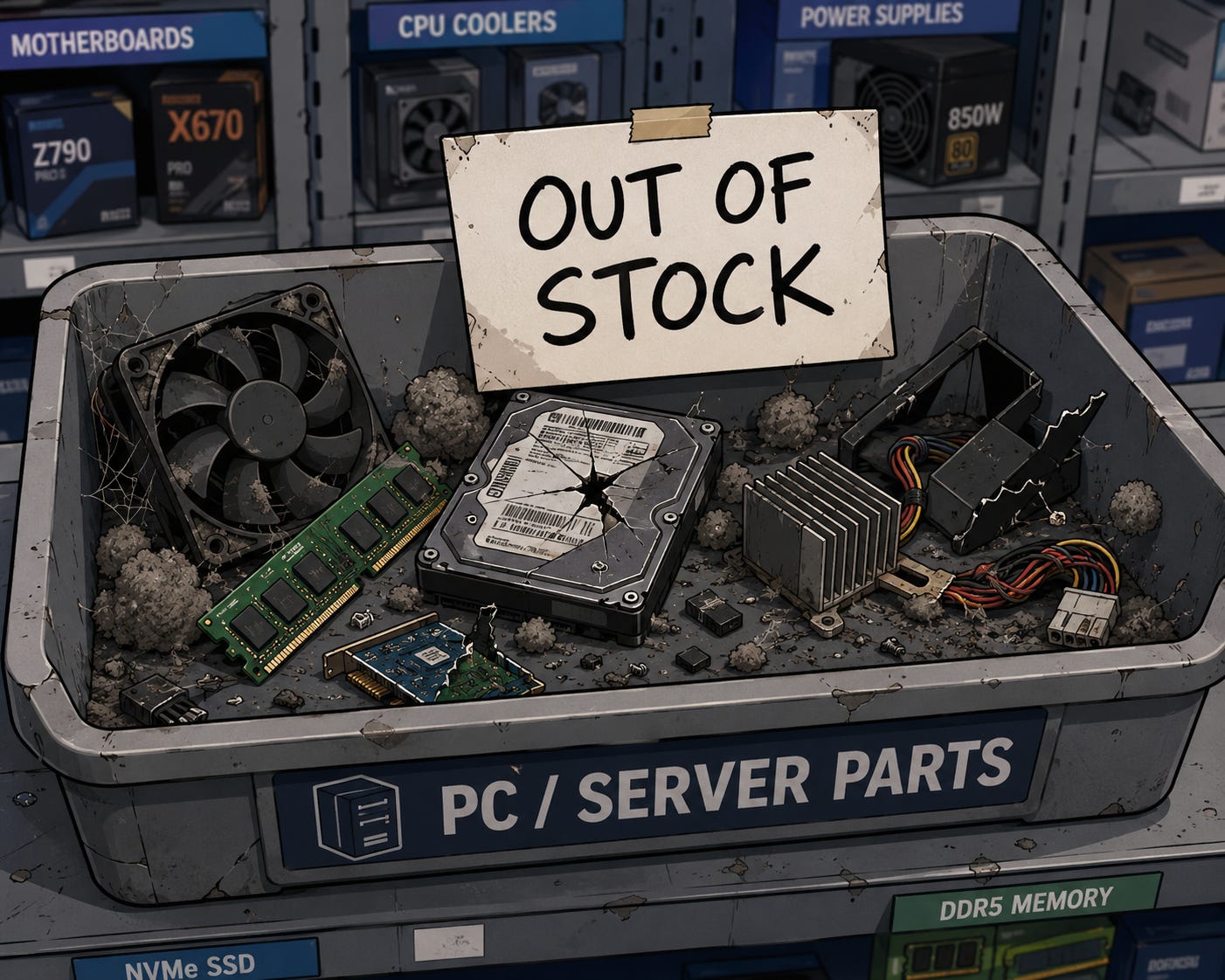
I went looking for a couple of high-endurance NVMe drives last week. Not the bargain-bin kind; the write-tolerant drives you put under a workload that actually does sustained writes. I didn’t find them at a good price. I didn’t find them at a bad price either. They simply weren’t there.
Same story when I priced out more RAM for an existing box. Same story again when I looked at what a Raspberry Pi costs now versus a year ago. Somewhere in the last few months the math quietly flipped: buying new capacity stopped being a line item and turned into a project with a budget meeting attached.
So I’ve stopped trying to buy my way forward. I’m re-architecting what I already own, with longevity as the goal instead of raw horsepower. Make the gear I have last, instead of betting on a parts market that clearly isn’t betting on me.
This is a rant you’re going to be hearing about on SysAdmin Weekly for….. a while… I apologize in advance. =D
And now, back to our regularly scheduled programming…..
From the SysAdmin Weekly Vault
Instead of reaching for the latest episode of the SysAdmin Weekly podcast, we’re reaching for an older episode that fits with this week’s theme around PC hardware and homelabs.
Episode: SysAdmin Weekly 023 - Budget Home Lab Setup for IT Pros (with Eric Siron) Topic: Building a genuinely useful home lab without torching your budget, across five segments: hardware, software, virtualization, networking, and cloud.
Why this one still holds up, and matters more now:
The hardware advice was always practical: don’t underestimate an old desktop or laptop with enough RAM, and lean on mini PCs as the modern budget chassis. For example, Eric stood up his entire lab on four 32GB nodes for around $4,000 (When we recorded that episode) The underlying logic used? > “cutting edge, not bleeding edge” (skip DDR5, stick with DDR4), reads less like budget tinkering and more like a 2026 survival guide today.
Eric’s rule of thumb, brick a $100 box, not a $20,000 one, was about learning safely on cheap hardware. In a market where you can no longer reliably buy the $100 box either, it lands as an argument for defending what you already own and being patient with the gear that still works.
The virtualization tour is still the cheapest path off the VMware tax: Hyper-V on Windows Server’s 180-day evaluation (re-arm it three times for roughly two years of runway), Proxmox if you miss the vSphere feel, libvirt and KVM for the Linux native route. Containers via Docker, Podman, or a small Kubernetes cluster cover the workloads where full VMs are overkill.
Bonus reality check we did not plan for: Eric flagged in the recording that VMware trial licenses are now gated behind enterprise customer designation. If you ever wondered why I started talking about “the VMware tax” as a thing, that gate is where it started.
The Take
Back in Issue 21, I ran a thought experiment and landed on an uncomfortable answer: the consolidation of compute into a handful of hyperscalers would, eventually, take choice and independent operation away from the rest of us. I framed it as a question and said I thought the answer was yes. I did not expect the proof to arrive this fast, and I did not expect it to come through the supply chain instead of through policy.
So the ugly truth….. The three companies that make the world’s memory have pivoted their fab capacity toward high-bandwidth memory and enterprise parts for AI buildouts, because that’s where the margin is…. it’s simple capitalism. AI is on track to consume roughly a fifth of all DRAM production this year, per TrendForce. The downstream effect isn’t subtle: DRAM contract prices jumped around 90% in a single quarter, consumer SSDs climbed 147%, a 30TB enterprise SSD went from about $3,000 to $17,500, and that 16GB Raspberry Pi 5 went from $120 at launch to $305.
That’s the consolidation thesis, except it isn’t an abstraction about cloud strategy anymore. It’s the reason you can’t buy a stick of RAM or a decent NVMe drive at a price that makes sense. The same demand that’s building hyperscale AI capacity is the demand that’s pricing you out of building anything for yourself.
And that’s the quiet move now……. When the entities building the cloud also control who gets the silicon to build off the cloud, “just rent compute from us” stops being a sales pitch and becomes the path of least resistance, because every other path got more expensive on purpose. I’m not telling you to panic. I’m telling you to notice, and to make the gear you already own last, because owning your own compute is starting to look less like a preference and more like a position you have to defend.
Community Signal
One item this week, and fits right in with these week’s discussion.
Jeff Geerling - “DRAM pricing is killing the hobbyist SBC market” - Geerling lays out how LPDDR memory now makes up the majority of a single-board computer’s cost, which is why anything past 4GB of RAM has drifted out of hobbyist reach. His read lines up with mine: the theme of 2026 is repurposing what you already have, not buying new. If you want the hardware-level receipts behind everything I argued above, this is the post to read.
Tool of the Week
SnapRAID - parity-based protection for an array of ordinary, mismatched disks, which is exactly what you end up with when you can’t buy a matched set of new drives.
Full disclosure before I describe it: I haven’t run this one in production myself yet. It’s on the shortlist for the re-architecting work I’m doing now, and I’m flagging it here because it’s the community-tested answer (Perfect Media Server, r/DataHoarder, the Self-Hosted podcast crowd) for exactly the mismatched-disk world we’re heading into. I want it on your radar before you need it, not after.
SnapRAID computes parity across drives of different sizes and ages, so you can add whatever disk you scrounged this month and still survive a failure or two (it scales up to six parity disks if you want the headroom). Pair it with mergerfs and those odd-sized disks present as a single pool. Honest scope: this is snapshot-style parity synced on a schedule, not real-time RAID, so it’s built for data that doesn’t change by the second; media, backups, and archives are the sweet spot. Don’t drop a busy database or a hot VM datastore on it and expect RAID behavior. For bulk storage you want to keep alive for years on hardware you already own, it’s hard to beat. It also pairs cleanly with the eBay-and-government-surplus path Eric recommended on the Vault episode, since the whole point of that path is ending up with a stack of drives nothing else can pool.
Quick Win of the Week
Find out how much life your SSDs and NVMe drives actually have left, before the market forces the decision for you. On Linux, install smartmontools and run sudo smartctl -a /dev/nvme0 (swap in your device); read Percentage Used and Data Units Written for NVMe, or the Wear_Leveling_Count and Media_Wearout_Indicator attributes on SATA SSDs. On Windows, CrystalDiskInfo shows the same health and total-bytes-written data in a couple of clicks. Five minutes per box tells you which drives have years left and which ones you should quietly start planning around while you still can.
Fun Retro SysAdmin Fact
The RAM in 1960s mainframes was literally woven by hand: tiny magnetic ferrite rings threaded onto crisscrossing wires, often assembled by women hired for the fine motor skills the work demanded, and it’s why we still say a crashed program wrote a “core dump” and why some old-timers still call memory “core.”
Until Next Week
The cheapest compute you’ll own for the foreseeable future is whatever is already humming in your rack; treat it accordingly.
Stay Frosty,
Andy
SysAdmin Weekly