


TL;DR
Rebuilt the lab’s backup strategy on an ancient ReadyNAS and an Azure storage account, and the boring tool you know cold beats the clever one you don’t.
Your backup target and your management console have the same failure mode: one of anything is the problem.
Episode 054: Windows Admin Center is a good tool with an on-ramp that ate four hours of Andy’s time.
Hot take: Hyper-V’s pile of “disparate” management tools is a feature, and a stronger management story than it seems on the surface.
Apache Guacamole as a second road into the fleet, plus the RAID acronym’s quiet rebrand once vendors started charging for it.
From the Console
Regular listeners of the Podcast and those who keep up with this newsletter on a regular basis know that I’ve been juggling a bunch of changes in the homelab lately. That said, I’m hoping to put homelab talk on the back burner for this publication for at least a few editions after this week’s entry. However, my “sitting at the console” work for this last week (at least in my personal time) has focused heavily on backups for the home lab.
Yes, I agree…. backup / recovery is boring. It’s the plain wheat toast of the SysAdmin world, but all of us should be in agreement when I say: Backup is Critically important. If you don’t agree with me on that one… we need to have a chat BTW…
After ripping the KVM virtualization layer out of my lab and replacing it with Hyper-V the number of backup options available to me broadened. Yes, I was using Restic and Proxmox Backup Server successfully, and they are GOOD tools, but for my given setup, they were both taking too much time and effort to manage.
I replaced them with VM Backup from Hornetsecurity by Proofpoint (Not a product plug, just a statement of fact).
Full disclosure: that tool and I go WAAAY back because I’ve worked for ALL of the vendors that have held that IP. I was at Altaro, the company that originally built VM Backup, and I stayed on through the Hornetsecurity acquisition. I know this product from the inside, so weigh what I say about it accordingly. That brings me to my first point. Whatever backup application you choose for your given environment SHOULD be boring and predictable. You should know it so well that it never surprises you.
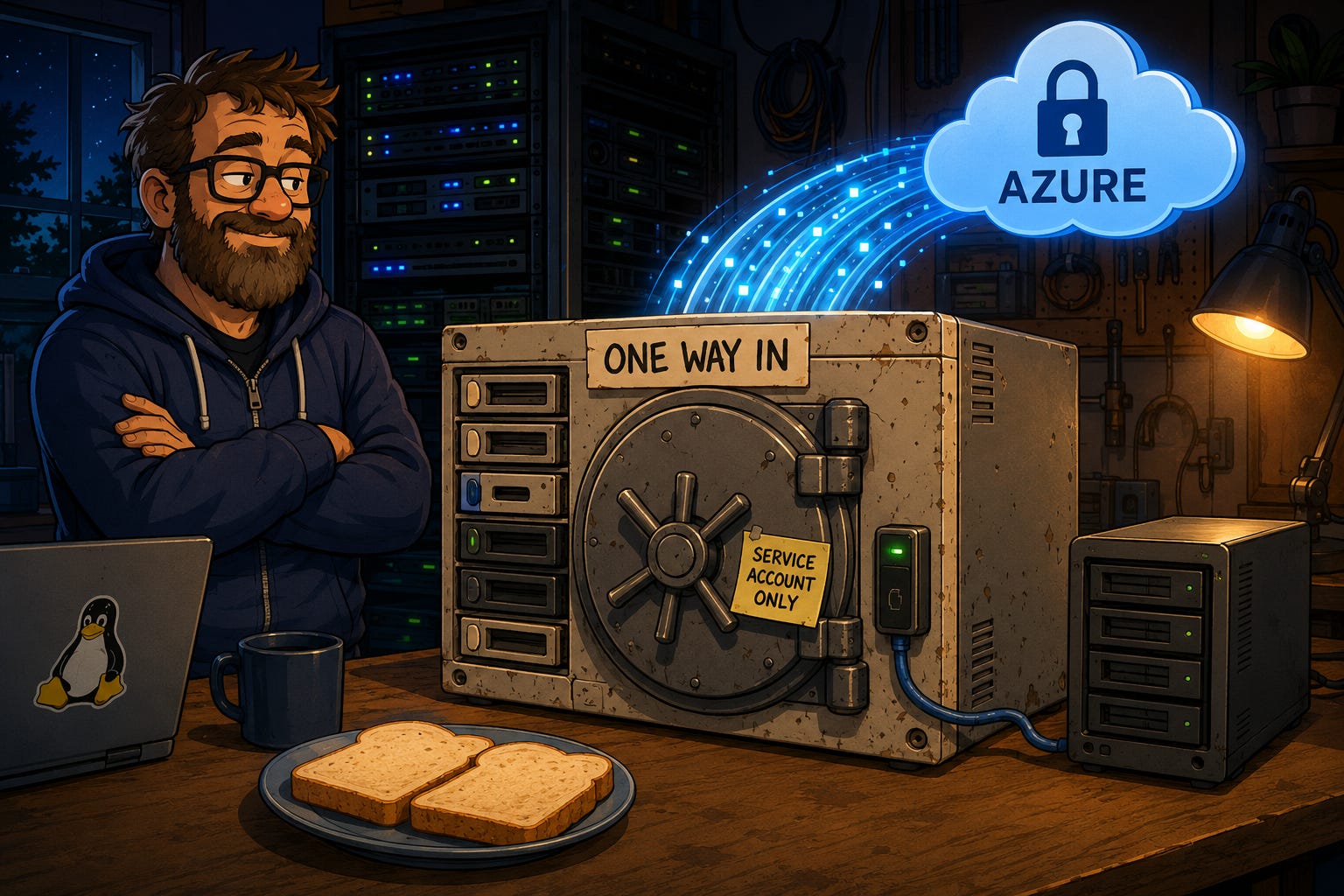
This goes for the architecture side of the discussion as well. Example: I have an OLD ReadyNAS with 6 disks in a RAID 6. I’ve had this thing forever. I know it, and it just works. I know it so well, in fact, that I’m also deeply aware of its faults. It’s old, therefore it runs an old insecure version of SMB. So when I rearchitected the backup strategy for the lab, I planned for that. The ONLY system able to talk to that SMB share is the system the backup software is running from. Plus, that system has the minimal amount of permissions needed to do the job and said permissions are tied to a dedicated service account specifically for that purpose.
Overkill for a homelab? Maybe. But I’ll die on the hill of “You should treat your lab like production”.
That brings me to my final point. In the age of increasingly expensive hardware, at least make the attempt to make use of aging hardware. Backup is critical yes, but you can architect effective and safe backup storage, even with aging hardware. For example, I used RAID 6 with the understanding that yes, sometimes 2 drives fail simultaneously (and i’ve seen it happen more than once). I also paired the backups with an offsite backup location using an Azure storage account. So the solution is hardened against multiple local drive failures as well as whole NAS failure with the full offsite copies, immutability, and 1 year’s retention.
Backups are for failure situations, but make sure you architect your backup deployment for failure as well.
And now, back to our regularly scheduled programming…. where, as it happens, I end up making a very similar argument about a completely different layer of the stack.
The latest on the SysAdmin Weekly Podcast
Episode: Windows Admin Center in 2026: Good Tool, Broken On-Ramp? (Episode 054) Topic: Four hours, a from-scratch certificate authority, and a stack of error messages pointing the wrong direction, all to reach the login screen of a free Microsoft tool.
Why this one is a good listen:
Andy and Eric Siron walk the full gauntlet: the 60-day self-signed cert trap, an ERROR_DS_RANGE_CONSTRAINT that blamed the wrong thing, a web server template that quietly refuses computer requests, and a blank SAN that kills the HTTPS binding without telling you.
The tool underneath is good. The on-ramp is where SysAdmins give up, and giving up on the on-ramp is how a useful tool ends up unused across an entire industry.
If you are moving to an all Windows Server-Core fleet, this is the install you are about to do. Also covered: Azure Arc and what Microsoft actually wants out of WAC, plus the domain-join debate that refuses to die.
Watch on YouTube
Listen on Spotify
The Take
This may be a hot take, but the vast number of different Hyper-V management options in Windows and the Microsoft Cloud is a strength of the platform and not a detriment (Like I used to think it was).
Many SysAdmins in the industry started their virtualization management journey with VMware vSphere. vSphere is known for its powerful management story in that much (if not all) of the day to day management can be done from one central console. Microsoft’s Hyper-V has long been criticized for its use of multiple disparate management tools. The list, which is extensive, includes:
Hyper-V Manager
Failover Cluster Manager
System Center Virtual Machine Manager (SCVMM)
PowerShell
Windows Admin Center
Management from Azure via Azure Arc
Even though I’ve spent many years as a Microsoft MVP in the Cloud and Datacenter management category, I used to be on the “VMware’s management story is better” side of the discussion, even though I was of the opinion that, overall, Hyper-V was the better solution. Over the last few years my stance has changed and I’ve come to appreciate the management options with Hyper-V.
Do I think there could be a better “single-pane-of-glass” management solution for Hyper-V? Sure, and maybe Windows Admin Center Virtualization Mode is it. It’s still early days on that particular tool and system requirements for it are… intense, but time will tell. Outside of WAC vMode though there are a number of seemingly disparate tools that I’ve come to appreciate their individualness. Each tool has it’s own strength and together they present a whole management story that does NOT have a single point of failure. For example:
If I need to manage a stand alone box - Hyper-V Manager.
Managing a small cluster? - Failover Cluster Manager
Large Cluster? - Use SCVMM
Automation task - Call PowerShell
Someone needs a simple webUI and hates MMC? - Windows Admin Center (if you can get it installed =/)
Manage things from the same control plane as Azure Services? - Azure Arc
Again, the choice and the flexibility IS THE POINT. I guess that’s the part that I’ve been stuck on all these years. I was spoiled by the single tool in my VMware days and never stopped to think about the advantages outside of that management model. What happens if that single tool breaks? Sure, I have PowerCLI as a backup on the VMware side, and I can think of maybe 3 times in my career that the vSphere UI was unusable, so unlikely. But, as a SysAdmin who’s been doing this for 24 years, I’ve learned that shit will hit the fan when you least expect it.
This is also not to mention the fact that Broadcom has been throwing around legal threats and generally making vSphere too expensive to operate for some organizations. Do I want a company like that, who uses relicensing and contract scares, to have a potential hold over the limited management avenues into my virtualization ecosystem? Probably not…. At least with Hyper-V I have multiple management frameworks and paths to get the job done, even in the worst of circumstances.
Hot take? Maybe, but that’s where I find myself these days on this particular debate.
What about you? Let me know in the comments!
Community Signal
Kristopher Turner - “PowerShell Automation Patterns (2026 Edition)” - A multi-layer approach to driving Hyper-V without touching a console: config files, modules, declarative DSC v3, and a CI/CD pipeline on top. The useful detail that Kristopher lays out is that, to quote the article: “the Hyper-V module (roughly 245 cmdlets) and FailoverClusters (roughly 90) now run natively under PowerShell 7 with no compatibility shim”. This used to drive admins BONKERS. Turner frames the whole stack as the free, version-controlled answer to VMware Host Profiles and Update Manager, meaning the road into your fleet that survives a broken GUI is the one you scripted. A GREAT read overall!
Tool of the Week
Apache Guacamole - A clientless remote desktop gateway that serves RDP, VNC, and SSH sessions to a plain browser tab, with nothing installed on the machine you are sitting at.
The reason it earns the slot this week is that it is a second road in. When your primary console is broken, relicensed, or waiting on a certificate you cannot mint, a gateway that speaks the native protocols directly does not care. It handles LDAP, SAML, OAuth, and TOTP for auth, and file transfer is drag-and-drop into the session.
Honest scope: this is a real deployment, not an appliance. You are running the web app, the guacd proxy daemon, and a database, and Docker Compose is the sane way to do it. And be clear-eyed about the irony, because a gateway everything routes through is itself a single point of failure. Guacamole is worth running as an additional path to your infrastructure, SHOULD YOU NEED IT (not everyone does). Put it behind a VPN and keep your direct RDP and SSH paths working. Remember though, this could potentially be another attack surface for the given environment, so secure it and treat it as such.
Quick Win of the Week
Pick the console you reach for most, then go do one routine task without it.
Not a hard task. A boring one you did last week. Check a VM’s memory assignment, restart a service on a member server, pull the last ten failed logons. Do it from PowerShell, or the MMC snap-in, or whatever your second road happens to be, and time yourself.
If it takes ten minutes, you have a working fallback. If you find yourself opening the primary console to look up how to do it without the primary console, you just found out how much of your operational capability lives in one UI. That is the number worth knowing before the bad day, not during it.
Fun Retro SysAdmin Fact
The 1988 Berkeley paper that gave us the word RAID, by Patterson, Gibson, and Katz, defined exactly five levels and RAID 6 was not one of them; dual parity came later, and the industry also quietly swapped the “I” from “Inexpensive” to “Independent” once vendors started charging real money for the arrays.
Until Next Week
Go find out which single thing in your stack everything else is quietly leaning on, because it already knows and you don’t.
Stay Frosty,
Andy
SysAdmin Weekly