


TL;DR
Paul Schnackenburg says AI feels like the early PC days. For me it’s the ESX 3 era all over again, and the best time to learn is now, while everybody is still figuring it out together.
AI will hurt some people in this profession. I just don’t think it’ll be as bad as the doom narrative says, because SysAdmins already know the systems and the business, and that’s the trusted advisor seat.
Episode 059: remote access is mostly risk assessment, and the protocol is the least interesting decision in it.
Community Signal: Jeff Hicks on AI as a co-pilot, and a PowerShell agent loop that prompts before Format-Volume only by accident.
Tool of the Week: ProxLB, DRS-style rebalancing for Proxmox, and where it still fits now that 9.2 balances HA guests natively.
Quick Win: find every credential your AI tools are holding, then take one away.
From the Console
I have to preface this write-up with the statement that I do love working with tech every day and I’m wildly fortunate to be able to do that. That said… it’s been… a minute since any new tech REALLY hooked me. Agentic AI, AI harnesses, and actually seeing the power of AI outputs for myself changed that.
I had mentioned this while recording the upcoming podcast episode 060 with Paul Schnackenburg and he mentioned something that stuck with me the last few days. Paul stated that many SysAdmins seem to be dealing with the same experience right now. He stated that it reminds him of the early days of PC computing in that everything was new and people were experimenting with hardware and operating systems. That was true for me as well. I recall tinkering (to my parents’ dismay) with our 486 and figuring out how to reallocate memory so that I could play TIE Fighter and Dark Forces amongst other things during the DOS \ Windows 3.1 days.
As fond of those days as I am, however, the era of computing that said experimentation really reminds me of personally is the early days of virtualization. I remember looking over a senior administrator’s shoulder as they grew a virtual disk live…..while the machine was running. I then discovered vMotion (VM mobility between physical nodes) and DRS (Distributed Resource Scheduler) which would keep nodes load balanced. I remember the realization that updates to entire hypervisor clusters could be done with ZERO downtime if orchestrated properly.
Those early virtualization experiences were all from the ESX 3 era (think 2006-2009ish). I remember a lot of personal growth during that time frame, but I also remember that there was A LOT of shared learning happening as well. It was NOT uncommon for one of us Admins in the MSP engineering room to discover something new for the first time and for the rest of the team to gather around and excitedly “nerd-out” about how cool the discovered feature was and how it could be incorporated into existing operations.
That all brings me back to today and how the new AI craze has its hooks into me in much the same way. I know there are a lot of folks out there worried about the impact AI will have on society (more on that later).
The fact is: AI is here to stay. That genie isn’t going back in the bottle.
If you’re not learning how AI technologies can be used within your area of expertise, you’re doing yourself a disservice. This period of emerging AI technology is the BEST time to be learning about AI when you can learn and experiment alongside the rest of the IT community. Not only will you learn more, you’ll also be part of that community voice and help steer the use of AI within the SysAdmin community.
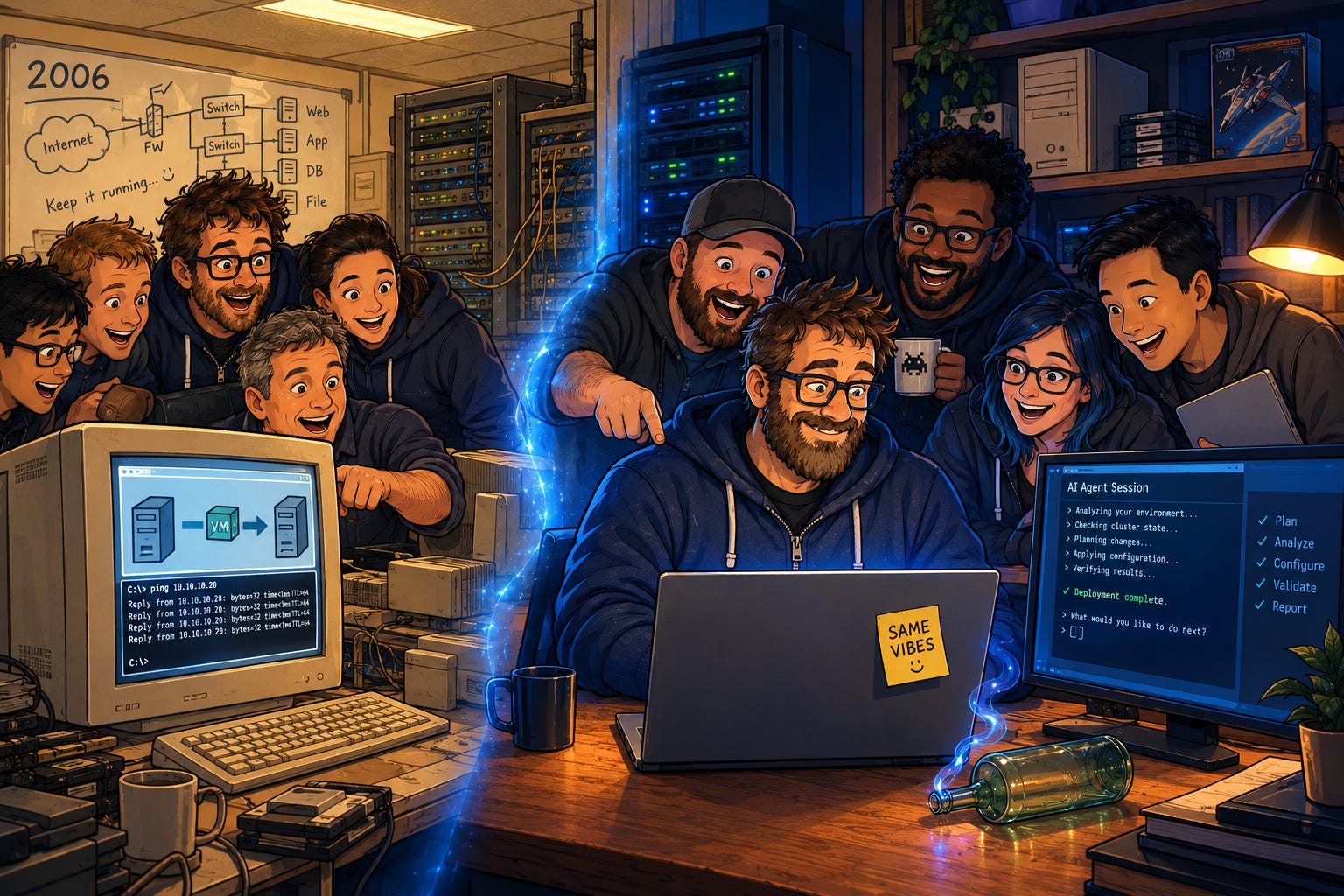
And now… back to our regularly scheduled programming.
Recently on the SysAdmin Weekly Podcast
Episode: How Should SysAdmins Handle Remote Access in 2026? (Episode 059) Topic: Eric and I take on the piece we deliberately cut from the tools episode, and most of it turns out to be about how long a path into your estate stays open. The protocol is the small part.
Why this one is a good listen:
Eric lands the sharpest reframe about half an hour in: what overlay networks and their cousins buy you is a move from one-sided authentication to mutual authentication. A management port can still be reachable, and what “open” means changes completely once both ends have to prove who they are.
The RMM stretch is the one for MSP folks. One agent on every endpoint, all of them reporting to one console, makes that console the most valuable thing an attacker can take from you. It leads to the two questions worth asking before any remote tool goes in: do we need remote management at all, and do we need it all the time?
The back half turns the camera around. An attacker’s first move after a foothold is an outbound path (cloudflared is the example on air), and most SMB and mid-size shops are not watching outbound traffic closely enough to notice. Then the 3am phone call, where just-in-time access holds up right until the thing is down and nobody is awake to approve your elevation.
Watch on YouTube
Listen on Spotify
The Take
My recent obsession with Agentic AI workloads ultimately led to this week’s “take”. It could also be my affinity throughout my career for automation as well. I mean…. my very first IT mentor DID convey to me that:
“Andy, the key to IT is Laziness. If something MUST be done more than once, then it MUST be automated”.
That’s stuck with me throughout my career. Fast-forward now to the AI era and the capabilities for “automation” via Agentic AI are astronomical.
Let me be clear before I go further on this one. I have NO DOUBT that there are people out there that have been negatively impacted or will eventually be negatively impacted by emerging AI technologies. Eric and I discussed as much alongside our thoughts on the AI Doom Narrative back on episode 048 of the podcast. We also discussed in that same episode the numbers from the World Economic Forum in regards to job gains (yes, gains) between now and 2030.
Here’s my take for this week’s issue of the newsletter. Again I have no doubt that AI will impact some people negatively in the SysAdmin profession, but I don’t think it’s going to be as bad as the ongoing AI doom narrative would have you think.
SysAdmins, as a profession, are well positioned to help organizations reap the benefits of AI.
Think about it:
SysAdmins have deep knowledge of existing technology systems within their given environments.
SysAdmins understand many of the business processes and intended business outcomes for the organizations they are part of.
SysAdmins already have the technical background to uptake AI capabilities at an accelerated pace vs. your average business office worker.
For historical context, the VMware ESX and virtualization stuff was “going to cost IT jobs” as well. It didn’t, it just changed the profession, just like AI will.
With all this in mind, I see the future SysAdmin as falling increasingly into the “Trusted Advisor” role. In this role SysAdmins can advocate for the best use of AI within their organizations leading to increased automation, cost-savings, and productivity gains. All of those things make you a hero as far as management is concerned (typically).
When looking at traditional IT work specifically, AI is likely only going to help us in the long run. Already, AI has the ability to interact with infrastructure systems as needed. When scoped and sandboxed PROPERLY, AI can be a valuable SysAdmin assistant. I foresee that many SysAdmins will be managing and deploying more than ever before because AI will allow us all to go faster and further.
That all said, I’m very aware of the dangers posed by AI. We MUST tread carefully as an industry as we incorporate these new technologies into existing IT stacks. For example, in the last episode of the podcast (listed above), Eric and I talked about remote access. AI is practically another remote access point into your environment. Treat it as such. Further examples aside though, being on the front lines of tech, we SysAdmins are best positioned to be enabled and uplifted by AI as opposed to being cut and thrown into a RIF (reduction in force).
I’d love to know what you all think in the comments below!
Community Signal
Jeff Hicks (long-time Microsoft MVP) on The PowerShell Podcast - “PowerShell Wisdom from 35 Years in the Trenches” - April 13, 2026, 45 minutes. Hicks has been teaching PowerShell since the beginning, and the show notes sum up his position on AI as “a co-pilot, not a replacement.” He uses it to get past a specific technical hurdle rather than to hand him a finished script. The worry he raises is the useful part: a generation that skips the foundational learning can’t recognize when the AI gets it wrong. His advice for anyone starting out is the old advice, and it holds up: objects, the pipeline, and managing at scale first, specific modules later. Source note: the podcast is produced by PDQ, which sells endpoint management software. Hicks is independent, and the episode is billed as a conversation about community and craft.
Doug Finke (16-time Microsoft MVP) - “Building a PowerShell AI Agent: From Scratch to Claude Code” - January 10, 2026. If “agent” still sounds like magic, read this. Finke, who created the ImportExcel module, builds one in PowerShell in three passes: a script that asks the model for one command and waits for your y/n, a loop that keeps going until the model says it’s done, and then structured tools for reading files, writing files, and running commands.
Tool of the Week
ProxLB - An open source, GPL-3.0 load balancer for Proxmox VE clusters that watches node utilization and live-migrates VMs and containers to even it out, which is DRS-style rebalancing for the hypervisor a lot of you moved to.
It pulls CPU, memory, and local disk metrics through the Proxmox API, and when the gap between your busiest and quietest nodes crosses a threshold you set (the project calls it “balanciness”), it migrates guests until the gap closes. You can balance on used resources, assigned resources, or pressure stall information. Maintenance mode drains a node before you patch it and can run on a schedule. Affinity and anti-affinity rules keep your two domain controllers off the same host.
Honest scope, and the ground just moved under this one. Proxmox VE 9.2 shipped on May 21, 2026 with native dynamic load balancing, but only for HA-managed guests. ProxLB’s case now is everything outside that line, mainly guests that are not in the HA stack and clusters still on 7.x or 8.x. The README has a side-by-side comparison against the native balancer that is worth reading, but the ProxLB project wrote it and the scoring reads that way. The native feature is supported by Proxmox and upgrades with the platform. ProxLB is a daemon you validate yourself after every Proxmox upgrade.
Two more things before you install it. The original author, gyptazy, handed the project to his employer credativ GmbH in January 2026 after people raised concerns about a one-person project’s long-term maintainability, so the repository has moved, and credativ offers paid enterprise support for it. Oh…. and don’t point two schedulers at the same guests on a hunch. The README still carries an older warning against running ProxLB alongside HA groups, while the 2.2.0 release in June added HA mode support.
Read the documentation for the version you install, and exclude anything the balancer should never touch before you turn on the daemon.
Quick Win of the Week
Find every credential your AI tools are holding, then take one away.
Pick the machine where you use an AI coding agent or assistant the most, and open the shell it runs in. Anything that session is logged into, the agent can use. gh auth status shows the GitHub account and its token scopes, and az account show shows which Azure subscription you’d be pointing it at.
Then read the MCP config files, the ones people paste tokens into late at night to get a server working. Claude Code keeps user and local scope servers in ~/.claude.json and project scope servers in .mcp.json at the repo root, which gets committed along with everything else. VSCode keeps workspace servers in .vscode/mcp.json. Any bearer token or API key sitting there in plain text goes on the list. Both tools’ documentation tells you to use variables instead of hardcoding it.
For each entry, write down the tool, the credential, what it can reach, and when it expires. Then fix one: swap a classic GitHub token with full repo scope for a fine-grained token limited to the repositories the agent actually works in, with an expiration date on it.
Nothing revokes itself unless you build it that way. That line was about SSH keys in episode 059, and it applies just as well to whatever you hand the new tools.
Fun Retro SysAdmin Fact
The personal computer era everybody gets nostalgic about started in a garage: on March 5, 1975, the Homebrew Computer Club held its first meeting in Gordon French’s garage in Menlo Park, gathered around the first MITS Altair 8800 to reach the area (a review unit sent to People’s Computer Company), and Steve Wozniak later credited that meeting as the inspiration to design the Apple I.
Until Next Week
Enjoy the new tool, then go find out what it’s logged into.
Stay Frosty,
Andy
SysAdmin Weekly